Importing opening books
Open the settings page and find the Opening Books section.
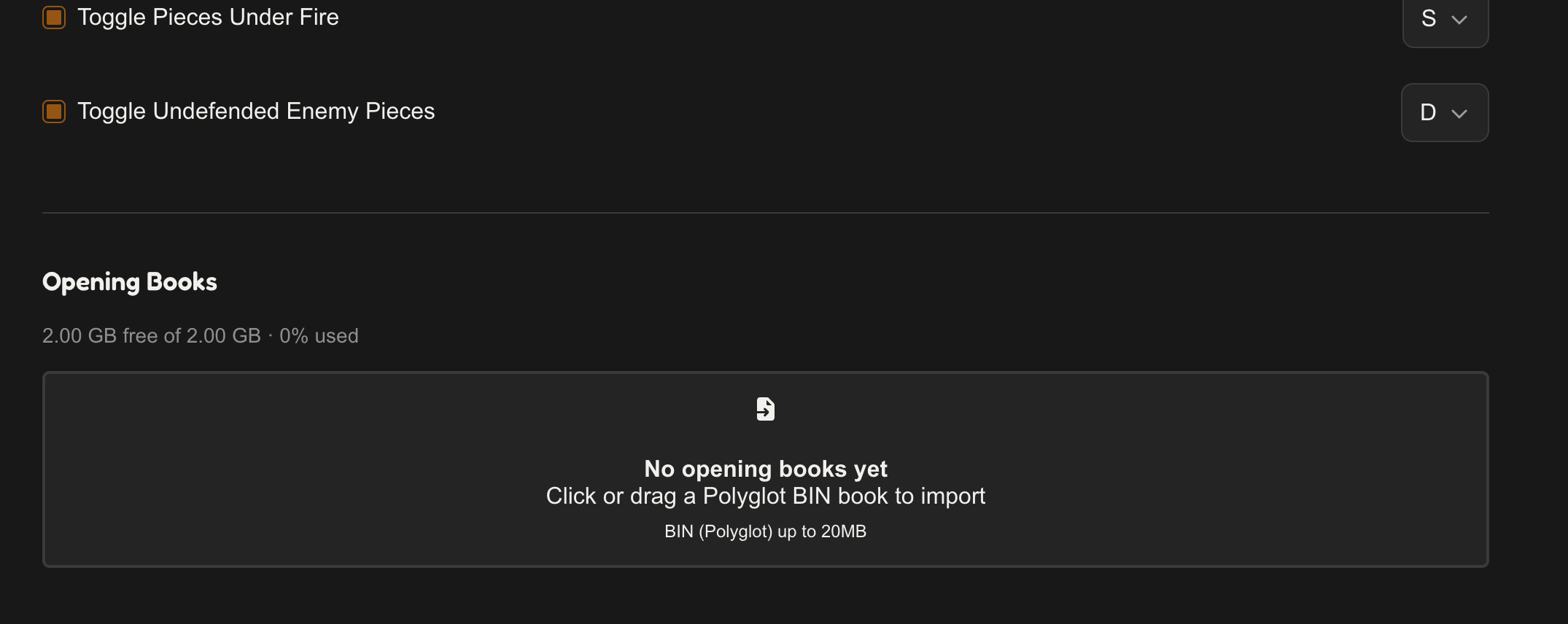
Click the drop zone to pick a file, or drag a book file onto it.
- Format: Polyglot
.binbooks. - Size limit: 20 MB per file.
- Two books can't share the same filename — rename one if you hit that.
While a book imports, a progress bar runs and the book shows a LOADING badge. When it's done, the card shows the book's name and how many positions it holds.
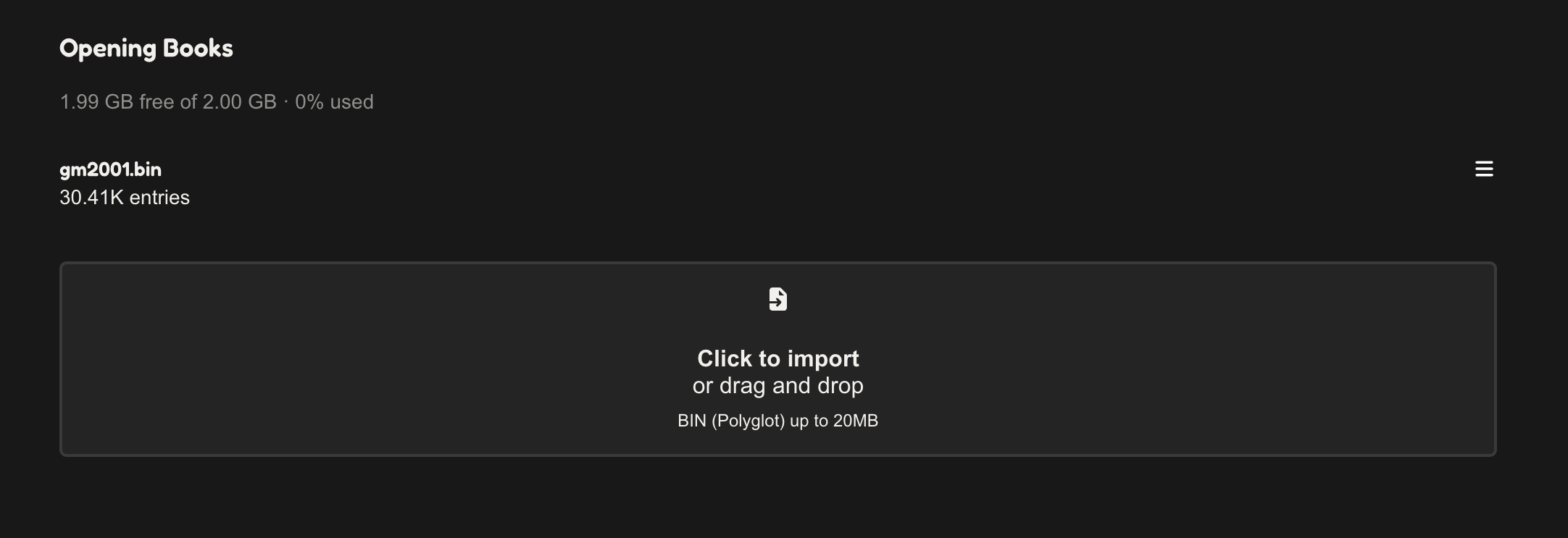
Books are stored locally in your browser and are never uploaded anywhere. The section header shows how much of your local storage quota is left.
Managing books
Each book card has a menu (⋯):
- Delete — removes the book and its positions (asks to confirm first). If the deleted book was the one selected for analysis, GM Cheems switches to another imported book, or none.
- Cancel Import — shown instead of Delete while a book is still loading.
Getting books
We don't produce opening books, but we maintain a set of free ones: