Keyboard shortcuts
Keyboard shortcuts let you toggle overlay features without opening the sidebar. They're configured on the settings page under Keyboard Shortcuts.
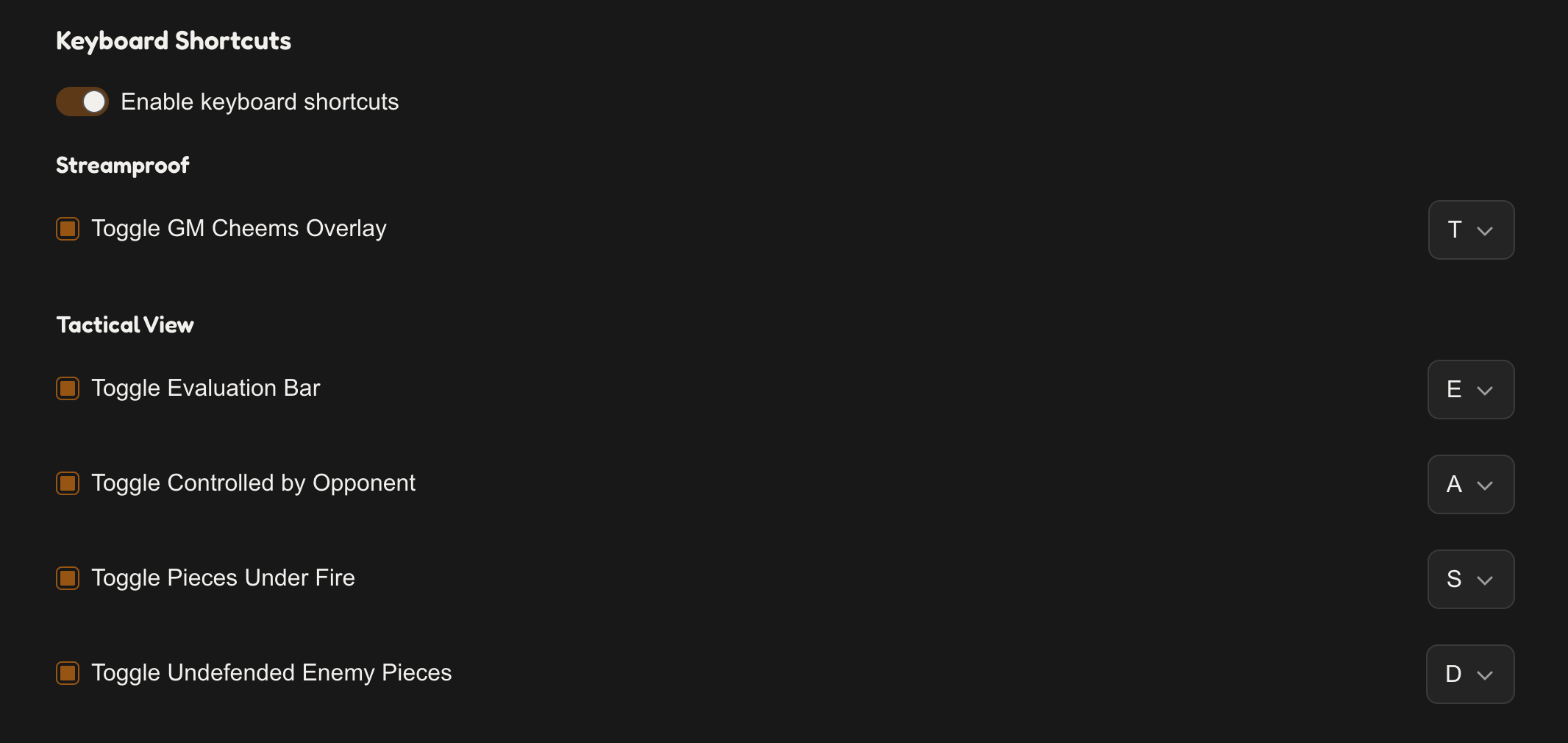
Turn them on with the Enable keyboard shortcuts switch (off by default), then enable the individual shortcuts you want and pick a key for each.
| Action | Default key |
|---|---|
| Toggle GM Cheems Overlay | t |
| Toggle Evaluation Bar | e |
| Toggle Controlled by Opponent | a |
| Toggle Pieces Under Fire | s |
| Toggle Undefended Enemy Pieces | d |
Every shortcut except the overlay toggle acts on a Tactical View feature, so it needs Tactical View available (Pro or an active trial) to do anything.