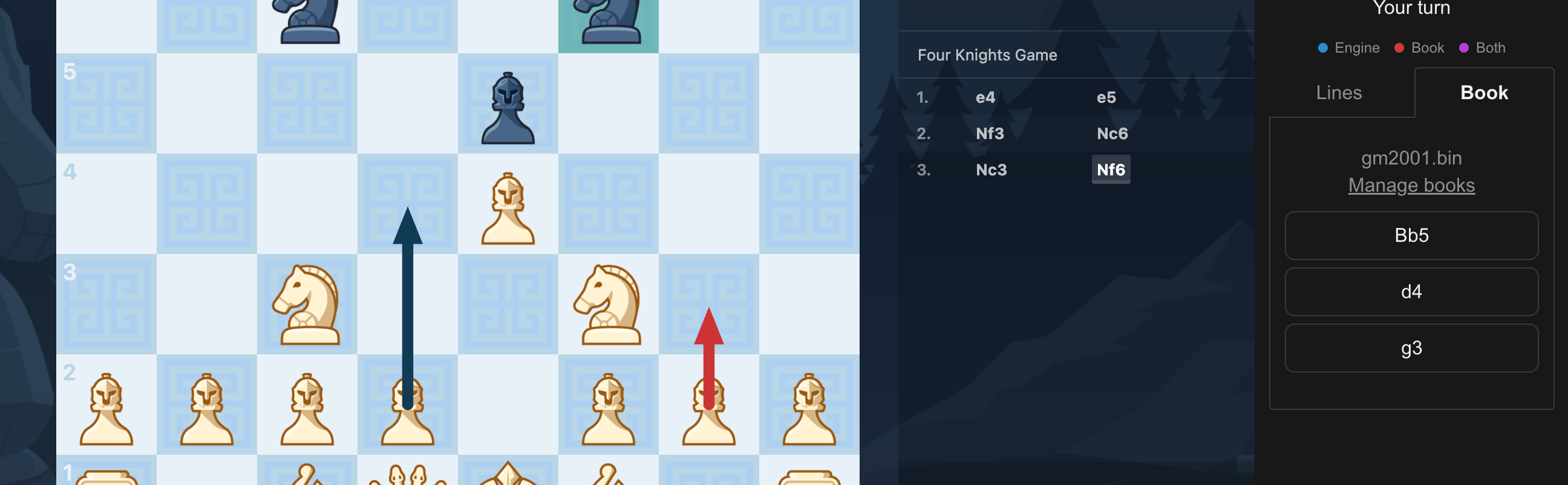
Using opening books
Select a book
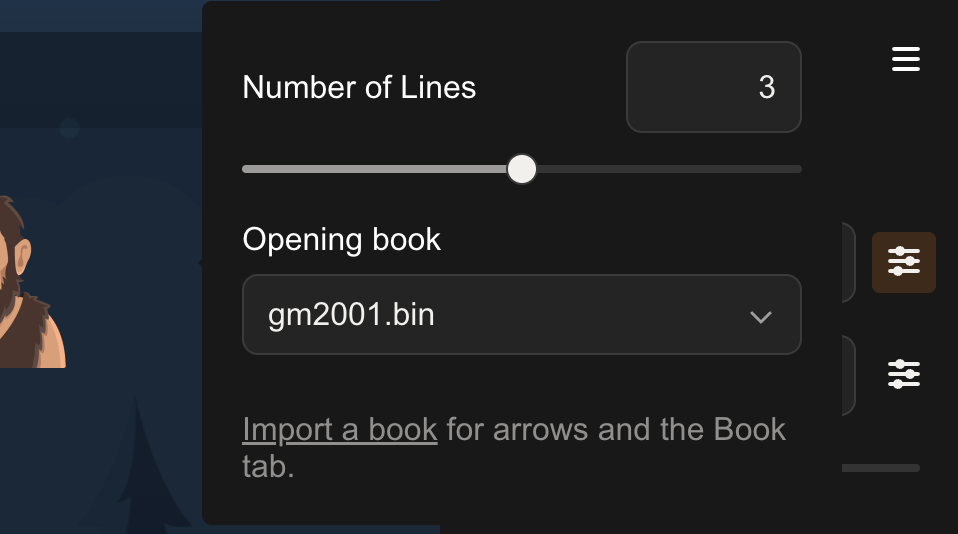
In the sidebar, open the sliders popover on the Analysis row and pick a book from the Opening book dropdown. Only books you've imported appear here.
The Book tab
With a book selected, the Book tab lists the book's moves for the current position. Each move is shown in algebraic notation; hover one to preview the board after it.
Books that carry game statistics also show a white / draw / black results bar under each move — hover it for the game count and percentages.
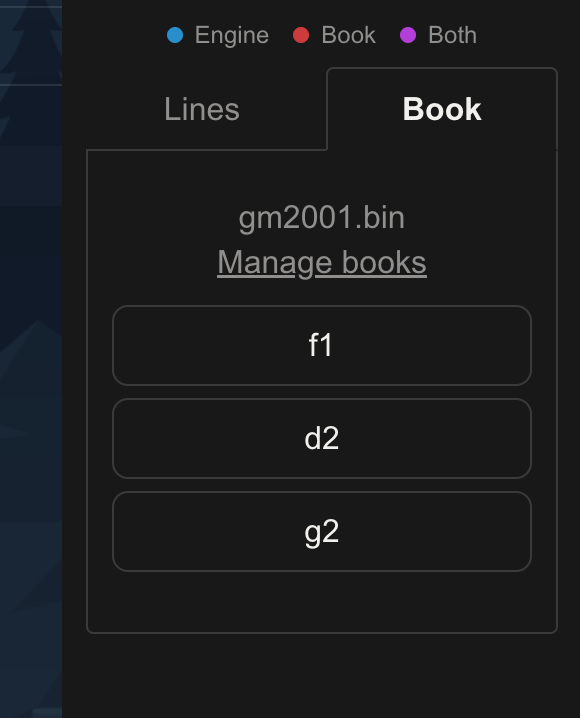
If the position isn't in the book (you've left theory, or the book is sparse there), the tab shows No entries were found.
Book arrows on the board
Book moves also draw as arrows on the board, in a different colour from the engine's arrows. This needs Tactical View. Control it with Draw book hints for in the Tactical View popover:
- Top move (default) — just the book's main move
- All moves — every book move for the position
- Off