Account & billing
GM Cheems has one paid plan — Pro, billed monthly, cancel anytime. The engine and basic analysis are free; Pro unlocks the rest (see any feature guide for what's gated).
Payments are handled by Paddle, who act as the merchant of record — the charge on your statement comes from Paddle, and invoices, receipts, tax, and payment-method changes all go through them.
Subscribing
You don't need an account first.
- Go to app.gmcheems.xyz/subscribe and click Subscribe monthly.
- Complete checkout in the Paddle window.
- If you didn't already have an account, we email you an activation link — open it to set your account up. If you were already signed in, you're done.
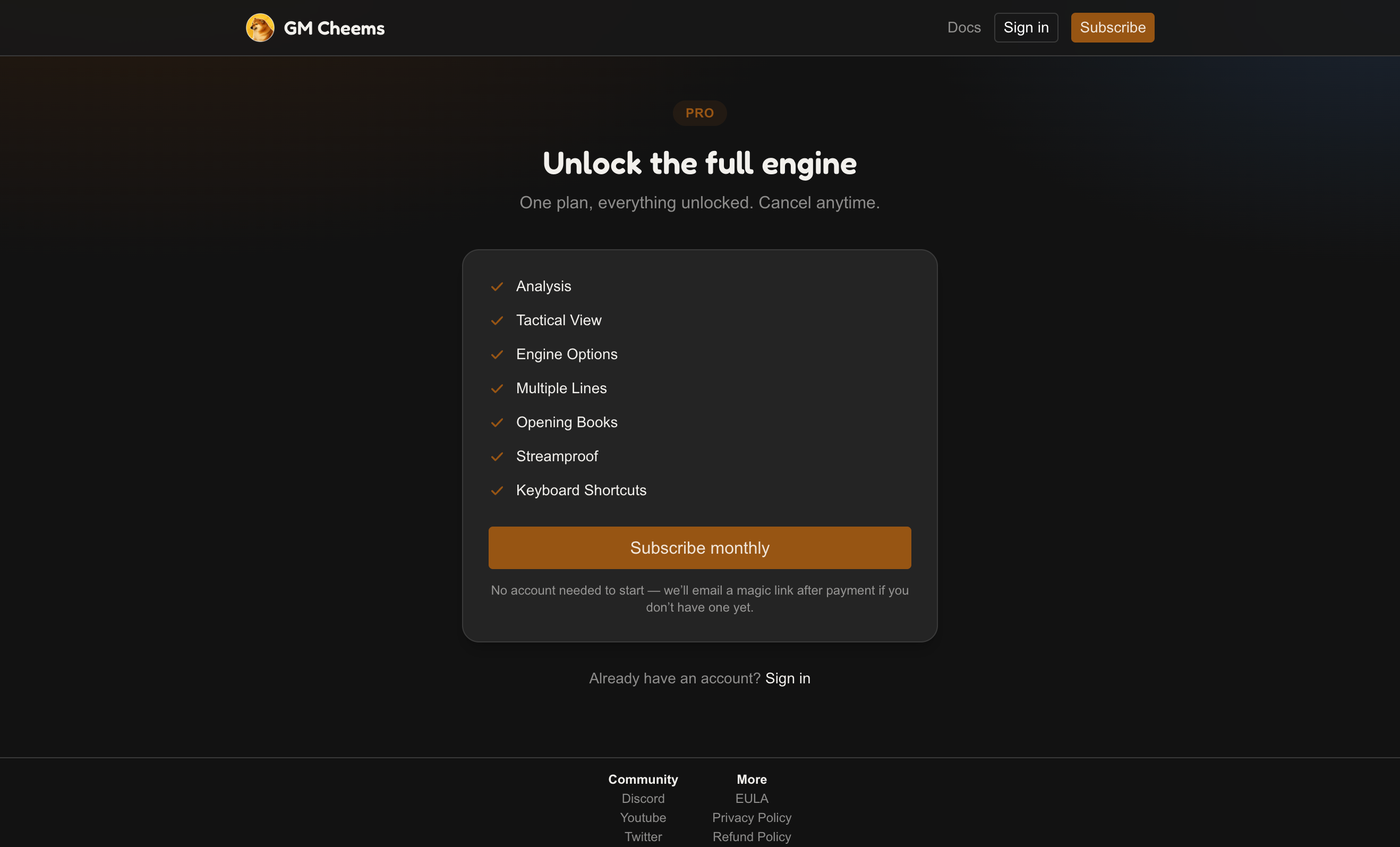
Your Pro status is live once Paddle confirms the payment, usually within a few seconds.
Turning on Pro in the extension
Paying unlocks Pro on your account. To use it in the browser, connect the extension to that account:
- Open the GM Cheems settings page (sidebar menu → Settings, or the toolbar icon).
- Under Account, click Sign in.
- A tab opens on the account site, confirms it's you, and bounces back to the extension. If you're signed out on the web it emails a one-time sign-in link first.
The extension then keeps your plan in sync on its own — no need to sign in again when your subscription renews.
Managing your subscription
Sign in at app.gmcheems.xyz and open Account.
Manage billing opens Paddle's portal, where you can update your card, view invoices, pause, or cancel. Cancelling stops the renewal — Pro stays active until the end of the period you've already paid for, and the account page shows an "Access ends" date.
Plan states you might see
| State | Meaning |
|---|---|
| Renews automatically | Normal active subscription. |
| Access ends (date) | Cancelled, still within the paid period. |
| Payment failed | A charge didn't go through — update your card from Update payment method to keep Pro. |
| Free trial | Your subscription is in a Paddle-set trial period; it converts automatically. |
| Complimentary access | Pro granted manually, no billing attached. |
Refunds
Refunds follow the Refund Policy — reach out through the support page or Discord. If you were referred by someone, a refund may also reverse the referral credit they got for you.